
Shadow AI: What does your company risk when employees use AI tools freely?
NaunetOctober 20, 2026
Someone on the development team has connected a copilot to their IDE. Someone in marketing uses a browser extension to summarize weekly meetings. A finance employee pastes quarterly figures into a free chatbot because it delivers a summary far faster than the company’s own tools would. All of these fall into the category of shadow AI. There’s no malicious intent behind them, just the need to work faster, yet together they reshape the entire organization’s risk profile.
What will you learn from this article?
-
Why is shadow AI more dangerous than traditional, unauthorized software use?
-
What specific, data-backed risks does unsupervised AI use carry?
-
Why doesn’t an outright ban solve anything?
-
How can the phenomenon be brought under measurable control without paralyzing teams’ work?
Shadow AI vs. shadow IT: what’s the difference?
With traditional shadow IT, employees may place company files in unapproved cloud storage. Shadow AI adds active processing and delegated access: prompts and documents can be sent to external services, while integrations may act on company data. Retention, training use and possible disclosure depend on the provider, product, contract and account settings; they are not automatic consequences of every AI interaction.
Network monitoring alone may not reveal the full picture. Browser-based AI traffic can traverse the corporate network, but personal accounts and direct cloud-to-cloud integrations may fall outside existing visibility. Discovery also needs to cover identity permissions, browser extensions and SaaS connections.
On narrow screens, scroll the comparison table horizontally.
| Criterion | Shadow IT | Shadow AI |
|---|---|---|
| Data handling | External storage and sharing | External inference, integrations and possible training, depending on terms and settings |
| Visibility to network tools | Partial; depends on network routing and account visibility | Traditional network tools often fail to give a complete picture of the AI services used through the browser. |
| Typical entry point | Unapproved cloud application | Browser extension, built-in AI feature, standalone agent |
| Difficulty of detection | Moderate: manageable with SaaS discovery tools | Requires combined identity, SaaS, browser and usage discovery |
Is the problem really this big?
The numbers leave little doubt that this trend is going to cause companies no small headache. According to OffSec’s analysis this year, more than 80% of employees use unapproved AI tools, and nearly 90% of security professionals do the same. Meanwhile, only 12% of companies have a formal AI governance policy in place.
The scale of the data leakage is confirmed by that same OffSec-cited research. 77% of employees paste data into generative AI prompts, and 82% of them do so from an unmonitored, personal account. With that single move, confidential source code, a financial plan, or a client list slips outside the company’s control and can end up inside a model whose storage or retention policy the company knows nothing about.
This risk is not theoretical. If an employee uploads personal data to a public AI tool, depending on the data, jurisdiction and safeguards, they may breach obligations under GDPR (General Data Protection Regulation, the EU’s general data protection regulation), HIPAA (Health Insurance Portability and Accountability Act, the US regulation governing the protection of health data), or undermine commitments assessed under SOC 2 (Service Organization Control 2, an attestation framework for service-organization controls). Without an adequate audit trail, the organization may be unable to establish how the data was handled.
On the development side, a different type of risk emerges. When a team generates code with AI assistants without a security review, flawed permission models, vulnerable dependencies, or even nonexistent, hallucinated software packages can easily make their way into the codebase. A penetration test (a controlled assessment that simulates a real attack) can reveal whether a flaw like this is actually exploitable in practice or only exists on paper.
Why should you be wary of AI agents?
Some employees today no longer just talk to chatbots, they’re building autonomous, acting AI agents on platforms like Cursor, Zapier, or Retool. These agents hold standing permissions, connect to the company’s CRM, Slack, or cloud storage, and make decisions without human approval.
The OWASP Top 10 for Agentic Applications 2026 identifies risks specific to autonomous AI systems. Its first category, Agent Goal Hijack, describes an attacker redirecting an agent’s objectives through malicious instructions. This is a reason to assess what an agent can access and do, not just the quality of its answers.
One of the most dangerous forms this takes is the so-called lethal trifecta: when an agent simultaneously has access to confidential internal data, can initiate external communication, and processes unverified external content, such as an email or a web page. In a case like this, an attacker only needs to plant a hidden instruction inside that external content, known as indirect prompt injection, to get the agent to use its existing permissions to forward the data, potentially in a way the organization’s security controls fail to catch in time.
The OpenClaw case previously covered on the Naunet blog shows exactly how much risk can hide inside AI tools that otherwise serve a genuinely useful function, such as assistants.
Regulation instead of prohibition
The reflexive response is often an outright ban. In reality, though, this doesn’t solve the problem, it just eliminates visibility, which, let’s be honest, is even worse. The OffSec research mentioned above also found that 48% would keep using AI tools even despite a ban, and 65% consider this entirely acceptable in the interest of efficiency. So the usage itself doesn’t stop because of the ban, the security team simply loses it from their radar.
IBM’s 2026 study reports a global average breach cost of $4.99 million and says more than one in five surveyed organizations experienced a breach targeting AI models or applications. These are broader AI-security findings, not a measure of incidents caused specifically by shadow AI.
The question today is no longer whether it’s worth addressing shadow AI. It’s how long it takes for the gap to come to light, and whether that happens before or after a security incident.
How can shadow AI be brought under measurable control?
An effective solution rests on four pillars.
You need an accurate inventory of which AI applications, extensions, and agents your teams are using. Both approved and informal use must be uncovered, including hidden OAuth connections. These permissions can let external applications keep accessing data after the initial sign-in and consent, so they need an explicit security review.
This is paired with a practical AI policy that clearly states what data must never enter any AI tool. You also need to check the provider’s training opt-out status, in other words, whether using your data for training purposes can actually be disabled.
A streamlined approval process is another necessary element: if a security review takes weeks, employees will simply bypass it. A shorter, documented set of criteria, however, preserves security without slowing down innovation.
And then there’s validation, actually testing how a hijacked AI agent would behave within your own systems. We presented a similar, collaborative, architecture-first approach earlier in our article Penetration testing: A collaborative, architecture-first approach. There, we wrote about how the risk posed by AI-based components fits into a modern testing scope.
Naunet’s AI Impact Analysis is built on these same four steps:
-
We map actual AI use,
-
we assess existing controls,
-
within a separately agreed scope, we simulate agentic attack paths,
-
then we tie the findings to business consequences and prioritize the next steps.
The goal is to put together a decision-support document that lets leadership genuinely take control of how employees use AI.
If your company doesn’t know exactly which AI tools have access to its internal data, the first step is to assess actual usage. Naunet’s AI Impact Analysis can help with that. Book a free consultation!
Frequently asked questions about shadow AI
What exactly is shadow AI?
Shadow AI is any AI tool, model, or integration that employees use without the formal approval and oversight of the IT and security team, ranging from browser extensions to self-built AI agents.
Why isn’t a simple ban policy enough?
Because research shows that a significant share of employees keep using these tools despite a ban, just less visibly. Which removes the security team’s visibility, not the risk.
What’s the difference between shadow AI and a shadow AI agent?
Shadow AI is the broader concept, covering unauthorized chatbots and browser extensions as well. A shadow AI agent goes a step further: it holds standing permissions, connects to internal systems, and carries out actions autonomously, without human approval.
Does the AI Impact Analysis replace penetration testing?
No. The AI Impact Analysis uncovers AI-related risks and control gaps, while broader penetration testing is a separate service that covers the entire infrastructure.
Explore the Latest in Cybersecurity
Stay ahead of cyber threats with insights from the Naunet blog. Our experts share their knowledge on the latest cyber defense trends, techniques, and technologies. Whether you want to deepen your understanding or apply new strategies, our blog is your go-to resource for reliable, expert-backed content in the cybersecurity domain. Join our community of professionals and elevate your security posture with every post.

Compare compliance-driven penetration testing, PTaaS and TLPT to choose a testing strategy that fits your business risks and systems.

How collaboration, AI-assisted testing and an architecture-first approach help align penetration tests with changing systems and business risks.

OpenClaw is an open source AI assistant that runs on your machine and connects to chat apps like Telegram, Discord, and Slack. It is useful because it collapses message intake, web access, tool invocation, and stored authority into one runtime. These features make it a very inviting application however that is also the core danger.
How to use Evilginx 3 with Custom Certificates
Two ways to use Evilginx 3 community edition with custom (even wildcard) certificates.
Last year, I conducted a phishing campaign as part of a red team assessment. Let me share what I learned about SPAM filters. I also had access to the internal mailing system, allowing me to test my theories on the target.
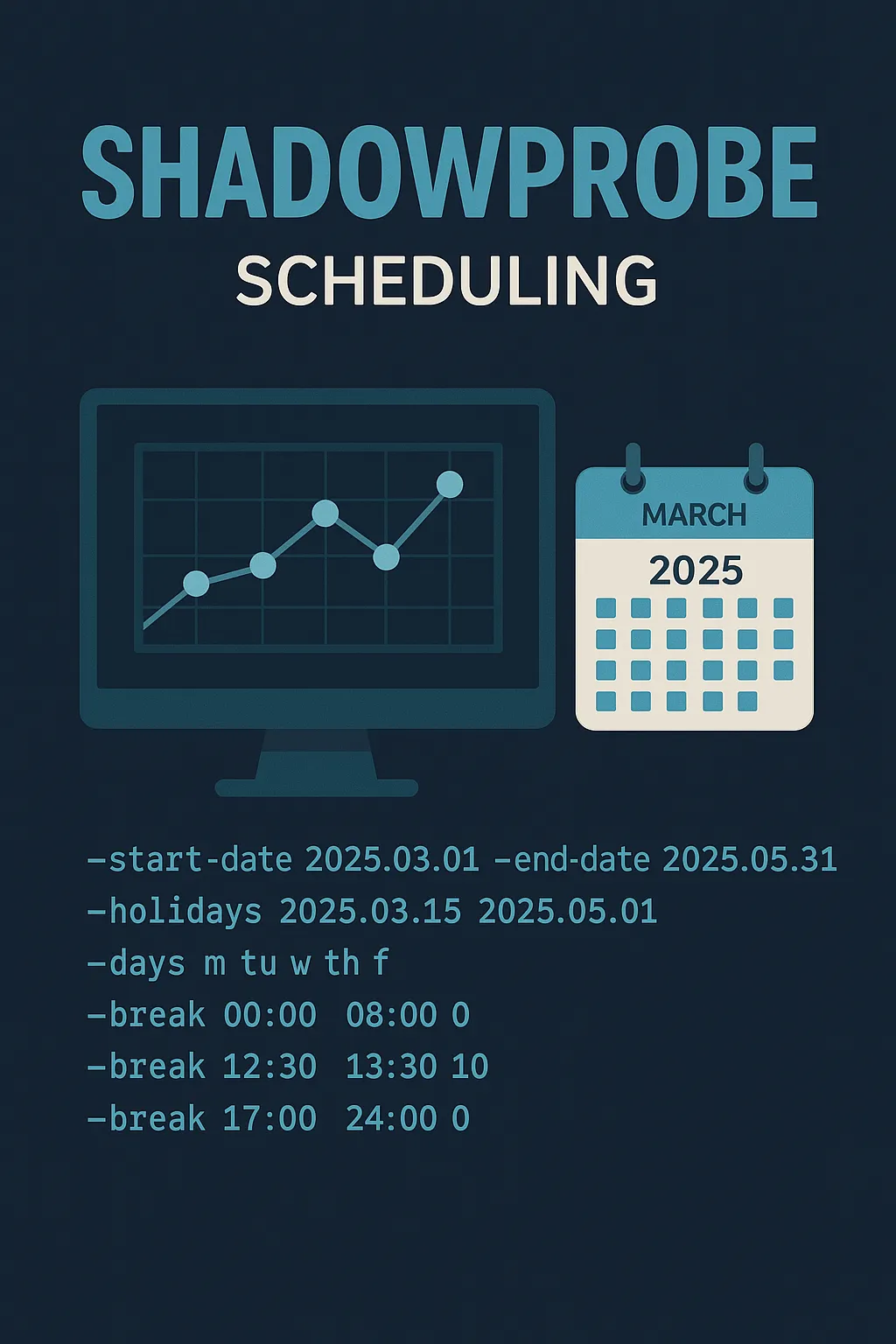
Stealthier than Nmap: ShadowProbe
ShadowProbe is a custom-made, TCP-only port scanner designed for multiple targets, featuring an inbuilt scheduler. It is a tool intended to run for days or even weeks once started.